The Exception Report Nobody Reads
A list isn't an analysis — which is exactly the problem CounterCtrl's Loss Prevention module was built to solve.
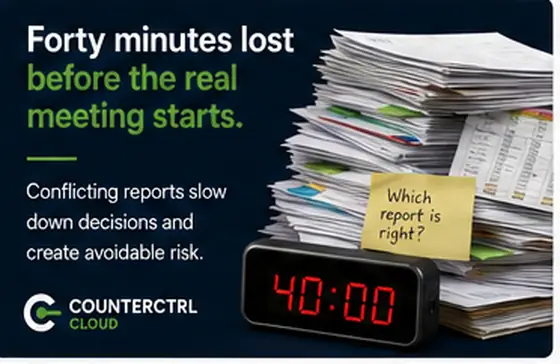
Every POS system in America can generate an exception report. Almost nobody reads one regularly, and I've watched the reason play out the same way more than once.
The report comes out four hundred rows long, sorted by nothing in particular, and it looks about the same on a routine week as it does on a week where something is actually wrong. So it gets skimmed the first few times, skipped after that, and eventually stops getting run at all. Nobody made a bad decision — the report was simply never designed to be read by a human being under time pressure.
The underlying problem isn't a shortage of data about what happens at the register. Voids, refunds, no-sales, price overrides, cancelled transactions — POS systems capture all of it faithfully. The problem is that a list is not an analysis. Four hundred rows sorted chronologically will never tell you that one cashier's void rate on one item category has crept up over six weeks. That signal exists in the data. It doesn't exist in the report.
This is precisely what CounterCtrl's Loss Prevention module is built to surface. Rather than producing another list to scan, it analyzes register transactions at the item and cashier level and looks for the pattern itself — the same cashier, same item, same time of day, recurring at a rate that stands out from that cashier's own history and from their peers.
A single void is almost always a mistake, and treating it as one keeps the tool from crying wolf. A pattern repeated across weeks is a conversation worth having — and the module's job is to make sure that conversation happens because the pattern was surfaced, not because someone happened to notice it while scrolling row four hundred of a report nobody had time to read.